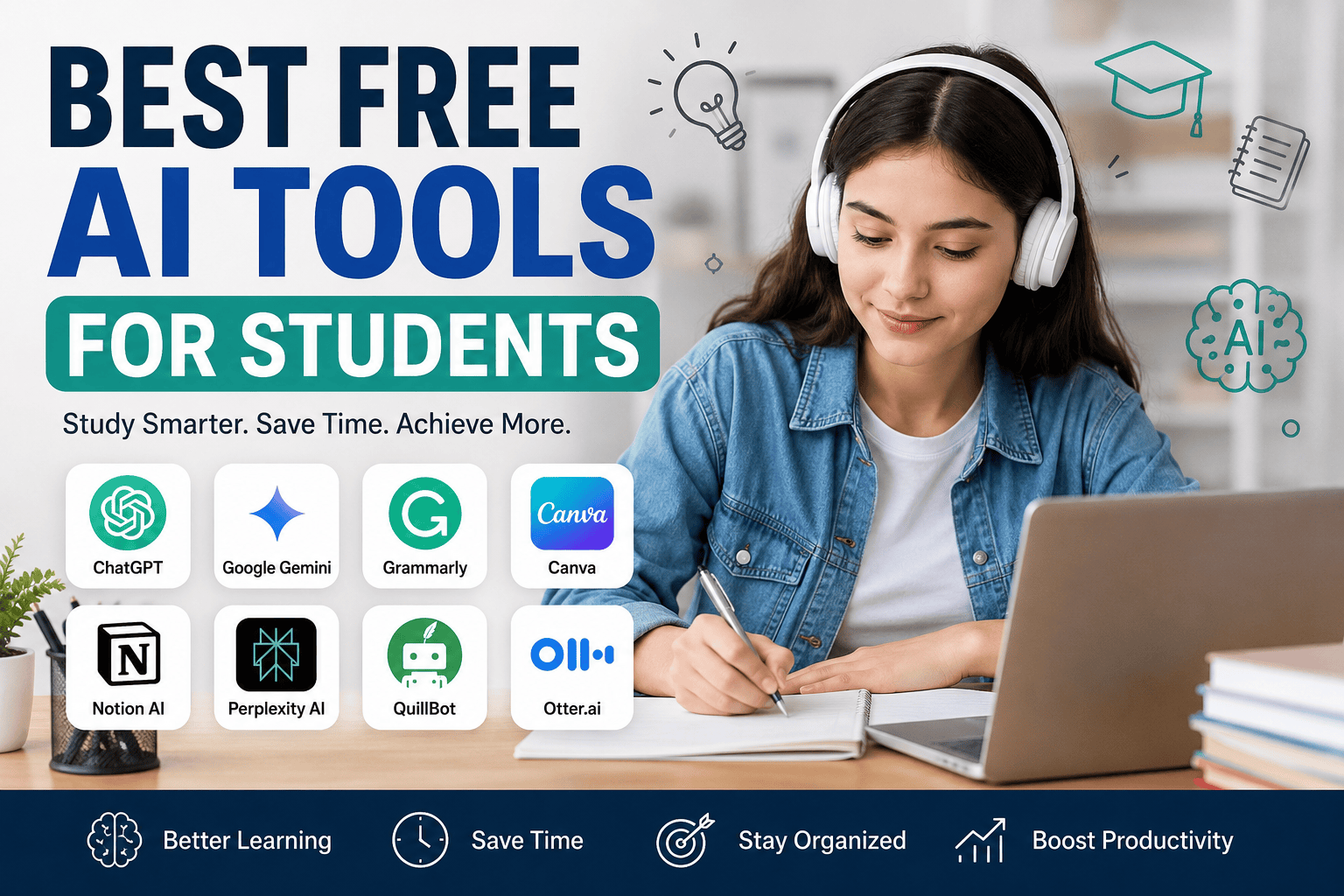
Best Free AI Tools for Students (2026 Guide)
In this article, we’ll explore the best free AI tools for students and how they can make studying easier and more effective.
1. ChatGPT
ChatGPT is one of the most popular AI tools for students. It can answer questions, explain difficult concepts, summarize long articles, solve math problems, and even help with coding. Students can also use it to generate study notes, practice interview questions, and improve their writing skills.
Key Features:
- Explains complex topics in simple language
- Helps with homework and assignments
- Summarizes long texts
- Assists with coding and programming
- Supports multiple languages
Best For: Homework, research, writing, and learning new concepts.
2. Google Gemini
Google Gemini is another excellent AI assistant that provides accurate information and supports research. It integrates with Google’s ecosystem, making it useful for students who frequently use Google Docs, Gmail, and Google Drive.
Key Features:
- Research assistance
- Writing support
- Brainstorming ideas
- Image understanding
- Integration with Google services
Best For: Research projects and academic writing.
3. Grammarly
Grammarly is a must-have tool for students who write essays, assignments, or emails. It checks grammar, spelling, punctuation, and sentence clarity while suggesting better word choices.
Key Features:
- Grammar correction
- Spelling checker
- Writing style suggestions
- Tone analysis
- Plagiarism checking (limited in free version)
Best For: Essay writing and proofreading.
4. Canva AI
Key Features:
- Presentation templates
- AI image generation
- Magic Design
- Drag-and-drop editor
- Free educational resources
Best For: School presentations and creative projects.
5. Notion AI
Notion AI helps students organize notes, manage study schedules, summarize lectures, and create task lists. It is especially useful for keeping academic work well organized.
Key Features:
- Note-taking
- AI summaries
- Task management
- Study planning
- Project organization
Best For: Productivity and study management.
6. Perplexity AI
Perplexity AI is an AI-powered search assistant that provides direct answers with references. It helps students find reliable information faster than traditional search engines.
Key Features:
- AI-powered search
- Source citations
- Fast research
- Accurate summaries
- Follow-up questions
Best For: Research and fact-checking.
7. QuillBot
QuillBot is a popular writing assistant that helps students rewrite sentences, paraphrase text, and improve readability while maintaining the original meaning.
Key Features:
- Paraphrasing
- Grammar checker
- Summarizer
- Citation generator
- Writing improvement
Best For: Rewriting assignments and improving academic writing.
8. Otter.ai
Otter.ai converts spoken lectures into written notes using AI. Students can record classroom lectures and quickly review searchable transcripts later.
Key Features:
- Speech-to-text transcription
- Lecture recording
- Automatic summaries
- Searchable notes
- Collaboration features
Best For: Lecture notes and online classes.
Benefits of Using AI Tools for Students
Using AI tools offers several advantages, including:
- Saves time on research and writing
- Improves grammar and communication skills
- Makes difficult subjects easier to understand
- Increases productivity and organization
- Helps prepare for exams more effectively
- Supports independent learning
Tips for Using AI Responsibly
While AI is a powerful learning assistant, students should use it responsibly. Avoid copying AI-generated content without reviewing it. Always verify important information, understand the concepts yourself, and follow your school’s academic integrity guidelines. AI should support your learning, not replace your own thinking.
Final Thoughts
AI tools are becoming an essential part of modern education. From writing assistance to research, note-taking, presentations, and study planning, these free tools can help students learn more efficiently and achieve better academic results.
The best approach is to combine several tools based on your needs. For example, you can use ChatGPT for learning, Grammarly for proofreading, Canva AI for presentations, Notion AI for organization, and Perplexity AI for research. When used wisely, these tools can make studying easier, faster, and more enjoyable.
If you’re using the default WordPress Block Editor (Gutenberg) ⭐ Recommended
Use SimpleTOC.
Why it’s a good choice:
- Lightweight and fast
- Automatically generates a TOC from your headings
- No unnecessary features
- Works well with Rank Math
- Easy to customize
If you’re using Elementor
Use Easy Table of Contents.
Why it’s a good choice:
- Compatible with Elementor
- Automatically inserts a TOC
- Supports smooth scrolling
- Can be customized to match your site’s design
If you’re using Spectra (Ultimate Addons for Gutenberg)
Use the built-in Table of Contents block.
Why it’s a good choice:
- No extra plugin required
- Automatically updates as you edit headings
- Lightweight and responsive
Recommended Settings
- Position: Immediately after the introduction (before the first H2 heading)
- Include headings: H2 and H3 only
- Enable smooth scrolling: Yes
- Collapse on mobile: Optional
- Display heading: “Table of Contents”
Best Choice for Your AI Blog
For an AI tools blog like smartaitoll.site, I recommend:
- ChatGPT: https://chatgpt.com/
Comments